
Jump to content
View in the app

A better way to browse. Learn more.

Morning Big Blue

A full-screen app on your home screen with push notifications, badges and more.

To install this app on iOS and iPadOS
  1. Tap the Share icon in Safari
  2. Scroll the menu and tap Add to Home Screen.
  3. Tap Add in the top-right corner.
To install this app on Android
  1. Tap the 3-dot menu (⋮) in the top-right corner of the browser.
  2. Tap Add to Home screen or Install app.
  3. Confirm by tapping Install.

Gameday GIF Thread 2022

Featured Replies

@bigg jay

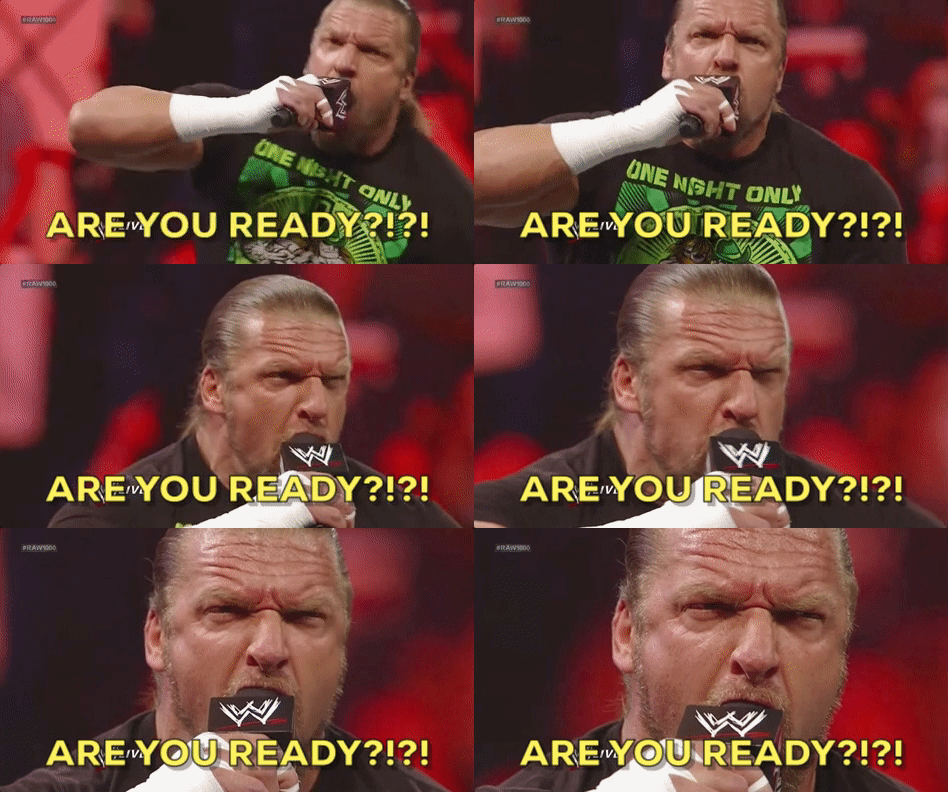
I read that that ring announcer trademarked that phrase, and made multi millions from it. Lol.

  • Author
Just now, Mark F said:

@bigg jay

I read that that ring announcer trademarked that phrase, and made multi millions from it. Lol.

That's Michael Buffer and yes he did!  His brother Bruce has also done quite well for himself as the main announcer for the UFC.

22 minutes ago, TrueBlue4ever said:


EminentInfantileAfricanporcupine-max-1mb

By the way, this will also be my reaction to what I fear will be another underwhelming banner “raising”. 

Thread ended, no topping hatlapo.

9 minutes ago, bigg jay said:

As much as that one gives me great joy, I can watch Hansen blowing up Ticats all day long...

QuerulousTheseBarebirdbat-size_restricte

NEVER GETS OLD. Daly and Williams are still slowly getting up to this day.

2 hours ago, MOBomberFan said:

Masoli fleeing from the pressure

run-running-away.gif

Only problem with that gif is he seems to be getting away.  He needs to get blown up.

52 minutes ago, bigg jay said:

joy, I can watch Hansen blowing up Ticats all day long...

Sadly, wont be seeing that this season.


On 2022-06-10 at 9:11 AM, Mark F said:

@bigg jay

I read that that ring announcer trademarked that phrase, and made multi millions from it. Lol.

His brother Bruce used it for awhile, and he sued him lol. 

Create an account or sign in to comment

Account

Navigation

Search

Configure browser push notifications

Chrome (Android)
  1. Tap the lock icon next to the address bar.
  2. Tap Permissions → Notifications.
  3. Adjust your preference.
Chrome (Desktop)
  1. Click the padlock icon in the address bar.
  2. Select Site settings.
  3. Find Notifications and adjust your preference.

