



Jump to content
View in the app

A better way to browse. Learn more.

Morning Big Blue

A full-screen app on your home screen with push notifications, badges and more.

To install this app on iOS and iPadOS
  1. Tap the Share icon in Safari
  2. Scroll the menu and tap Add to Home Screen.
  3. Tap Add in the top-right corner.
To install this app on Android
  1. Tap the 3-dot menu (⋮) in the top-right corner of the browser.
  2. Tap Add to Home screen or Install app.
  3. Confirm by tapping Install.

GIF Thread - Pre-season Game 2

Featured Replies


STOP POSTING THAT WEIRD FREAKY ICE CREAM EATING THING!!!! I HATE THAT THING!

Special place in hell for people who post that gif


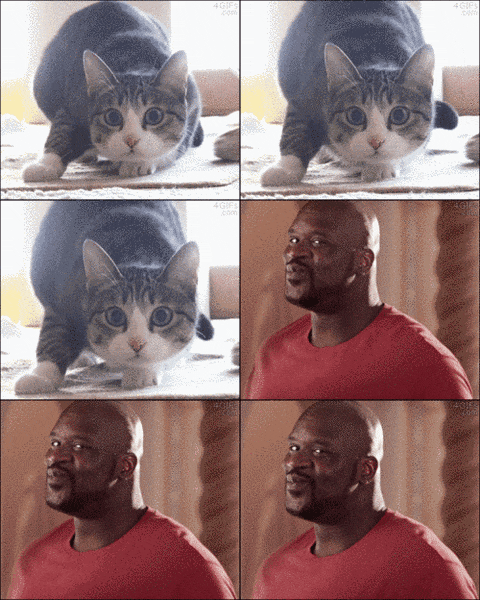
giphy.gif

a9f9853d0dd99120026bbeb53c43cbce.gif


1369329002_eyeball_popping_dance.gif


L8cUA4y.jpg


large.gif


Funny-gif-weird-Japanese-penguin.gif


Funny-moving-animated-picture-of-a-point

I said it was a weird day ;) 

Create an account or sign in to comment

Account

Navigation

Search

Configure browser push notifications

Chrome (Android)
  1. Tap the lock icon next to the address bar.
  2. Tap Permissions → Notifications.
  3. Adjust your preference.
Chrome (Desktop)
  1. Click the padlock icon in the address bar.
  2. Select Site settings.
  3. Find Notifications and adjust your preference.