Jump to content
View in the app

A better way to browse. Learn more.

Morning Big Blue

A full-screen app on your home screen with push notifications, badges and more.

To install this app on iOS and iPadOS
  1. Tap the Share icon in Safari
  2. Scroll the menu and tap Add to Home Screen.
  3. Tap Add in the top-right corner.
To install this app on Android
  1. Tap the 3-dot menu (⋮) in the top-right corner of the browser.
  2. Tap Add to Home screen or Install app.
  3. Confirm by tapping Install.

If we go 4 - 0 ...

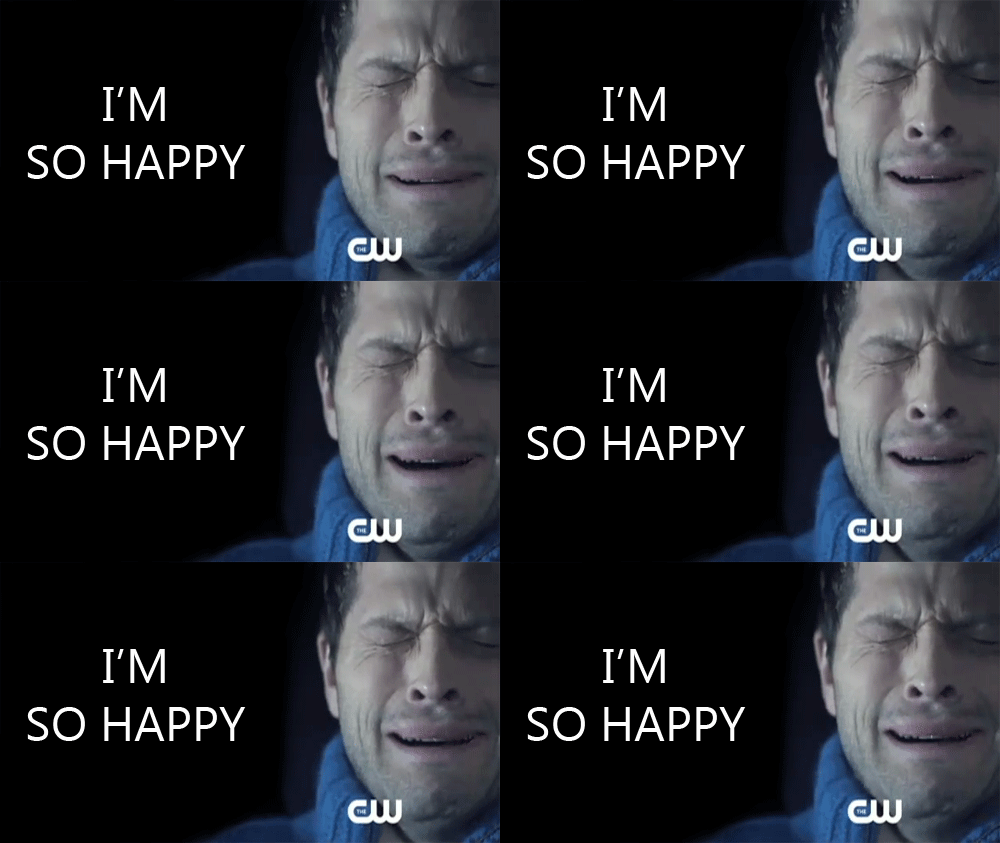
so-happy.gif


Im-So-Happy-Right-Now-Reaction-Gif.gif


The-Office.gif


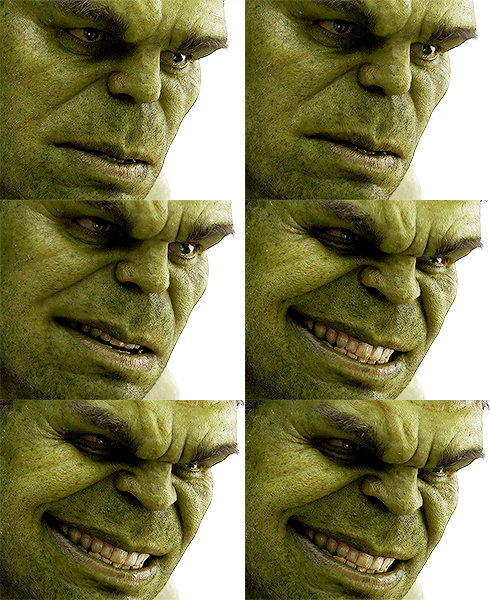
happy-hulk.gif


tumblr_mnj888Jab71s6z99jo1_500.gif

Featured Replies

hmmm too early for GIF thread.... i hope this wont jinx us... <_<

If we go 4-0 we then have BC, Hamilton and Sask..... just magin!


However this is the CFL and we could easily be 3-4 by then....

  • Author

hmmm too early for GIF thread.... i hope this wont jinx us... <_<

LOL

Seems a little early for this  :ph34r: .

Create an account or sign in to comment

Account

Navigation

Search

Configure browser push notifications

Chrome (Android)
  1. Tap the lock icon next to the address bar.
  2. Tap Permissions → Notifications.
  3. Adjust your preference.
Chrome (Desktop)
  1. Click the padlock icon in the address bar.
  2. Select Site settings.
  3. Find Notifications and adjust your preference.