Jump to content
View in the app

A better way to browse. Learn more.

Morning Big Blue

A full-screen app on your home screen with push notifications, badges and more.

To install this app on iOS and iPadOS
  1. Tap the Share icon in Safari
  2. Scroll the menu and tap Add to Home Screen.
  3. Tap Add in the top-right corner.
To install this app on Android
  1. Tap the 3-dot menu (⋮) in the top-right corner of the browser.
  2. Tap Add to Home screen or Install app.
  3. Confirm by tapping Install.

GDT: GIF Edition

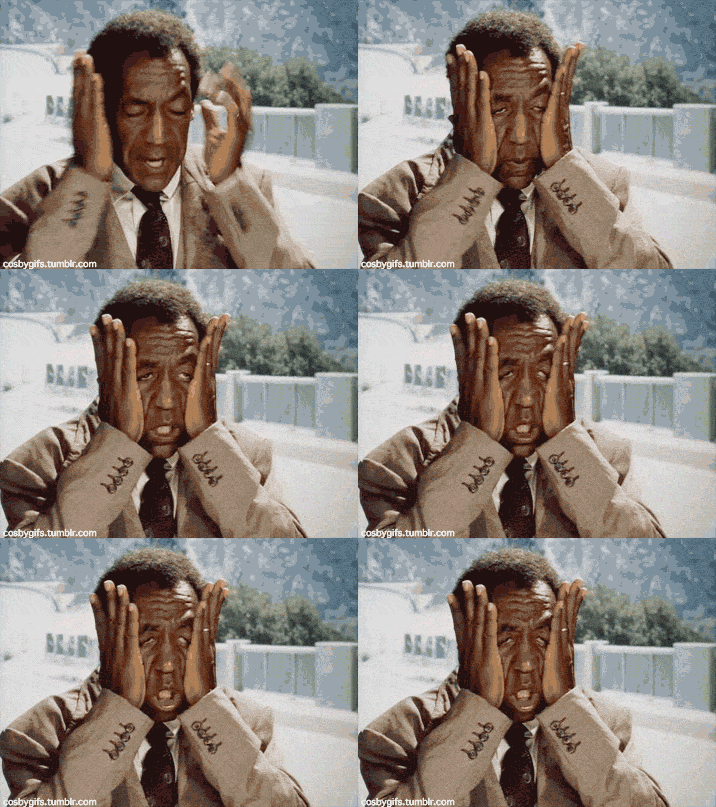
cosby_omg.gif

Featured Replies

947.gif

114.gif

tumblr_inline_mmieiwPV3i1qz4rgp.gif

  • Author

It's not a GIF but....


What-text_zps10ff6d8d.jpg

  • Author

This girl must be somehow related to Jovon Johnson.


hot-girl-gif.gif

When the offence looks like it might turn the corner,  nope.. back in the tube..

 

mkttFGq.gif

  • Author

What all other teams look like when we play against them:


funny-gif-hot-girl-dancing.gif

Lilo would fit in well with us Bomber fans...


3303.gif

Create an account or sign in to comment

Account

Navigation

Search

Configure browser push notifications

Chrome (Android)
  1. Tap the lock icon next to the address bar.
  2. Tap Permissions → Notifications.
  3. Adjust your preference.
Chrome (Desktop)
  1. Click the padlock icon in the address bar.
  2. Select Site settings.
  3. Find Notifications and adjust your preference.